One Draggable Panel
Starts at the top left, center or right of the chart; drag it anywhere. Font size from 8 to 20, and each of the six sections can be shown or hidden.
NinjaTrader 8 Indicator · Five Read-Outs + Live Headlines · Draws Nothing on the Chart
One draggable panel over your chart with the read-outs of five SteelySystems indicators — trend and value, regression channel, momentum and flow, opening range, and day type with a plain-language summary — plus a live FinancialJuice headline feed. It draws nothing on the chart itself.
One-time Founders license License key and download at whop.com/steelysystems within minutes 7-day refund if not activated License terms One-page guide (PDF)
 Click to enlarge
What SteelySuperHUD draws and reports in NinjaTrader 8.
Starts at the top left, center or right of the chart; drag it anywhere. Font size from 8 to 20, and each of the six sections can be shown or hidden.
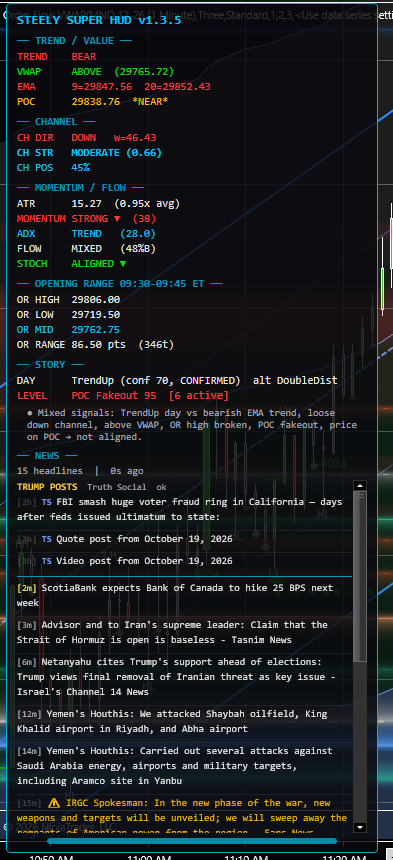
Trend and value, regression channel, momentum and flow, opening range, and day type with the nearest level — 18 rows that update on every closed bar.
The New York RTH Open anchor converts bar times to Eastern, so the window is the same whatever your time zone or Trading Hours template. Or measure it from the chart's session open.
One sentence that combines the rows, marked with a bullish (▲), bearish (▼) or no (●) lean, and says so when the read-outs disagree.
FinancialJuice headlines polled every 60 seconds on a background thread, newest first with their age. A status line shows the feed's state, and the grip resizes the area. No API key.
Every engine runs inside one indicator. None of the five source indicators needs to be installed or on the chart, and it reads no account, order or position data.
NinjaTrader 8 chart example: the five read-outs and the headline feed in one panel. The chart itself carries no drawings from the indicator.
Click to enlargeEach row restates what one engine sees on the last closed bar, in a few words and values, so related read-outs can be checked side by side.
Keep in mind: The panel describes current chart conditions with fixed analytical rules. Its labels, lean and summary line are not a measured probability of profit and are not trade instructions.
Running five indicators on one chart means five sets of lines, labels and panels competing for the same space. SteelySuperHUD puts their read-outs in one compact panel instead and leaves the price chart clean.
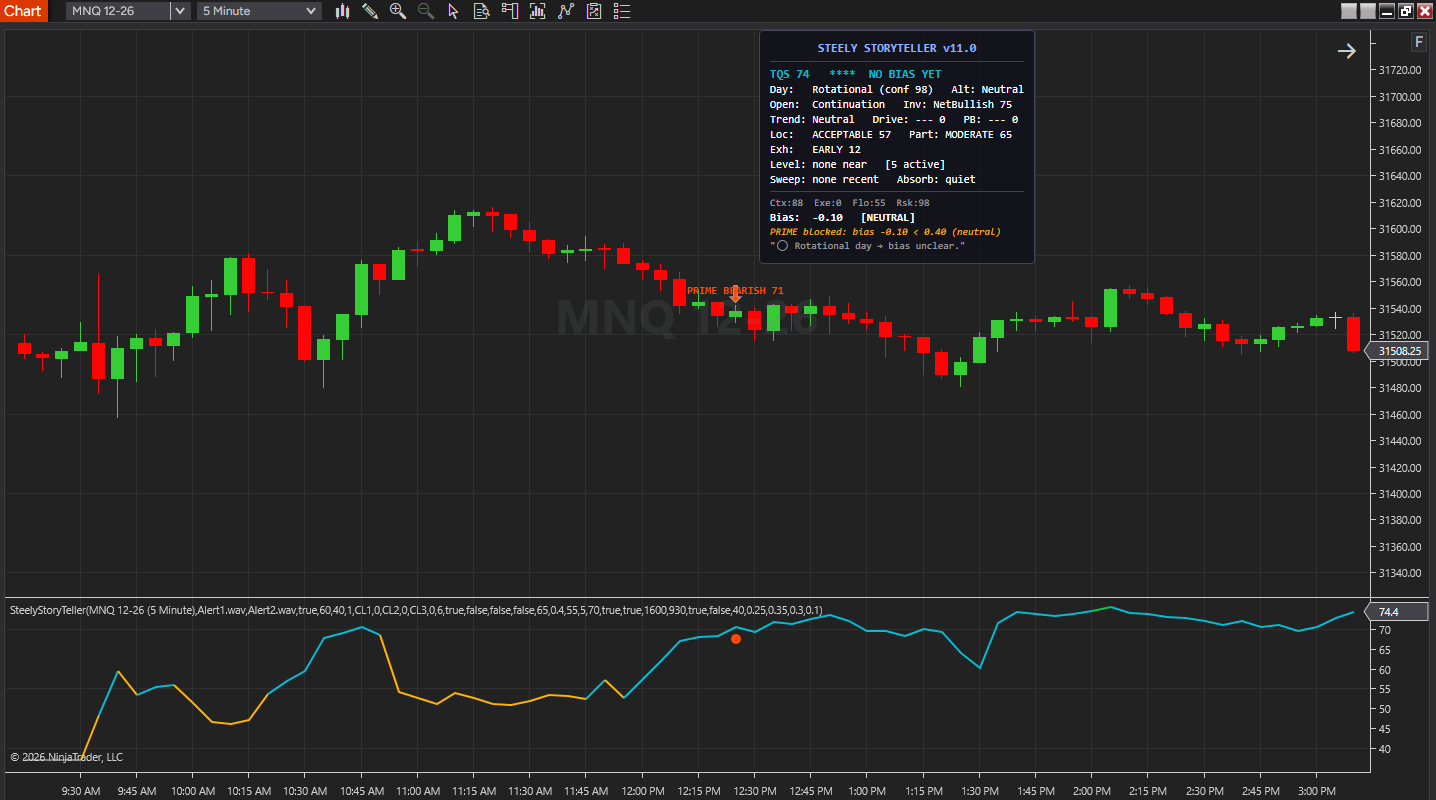
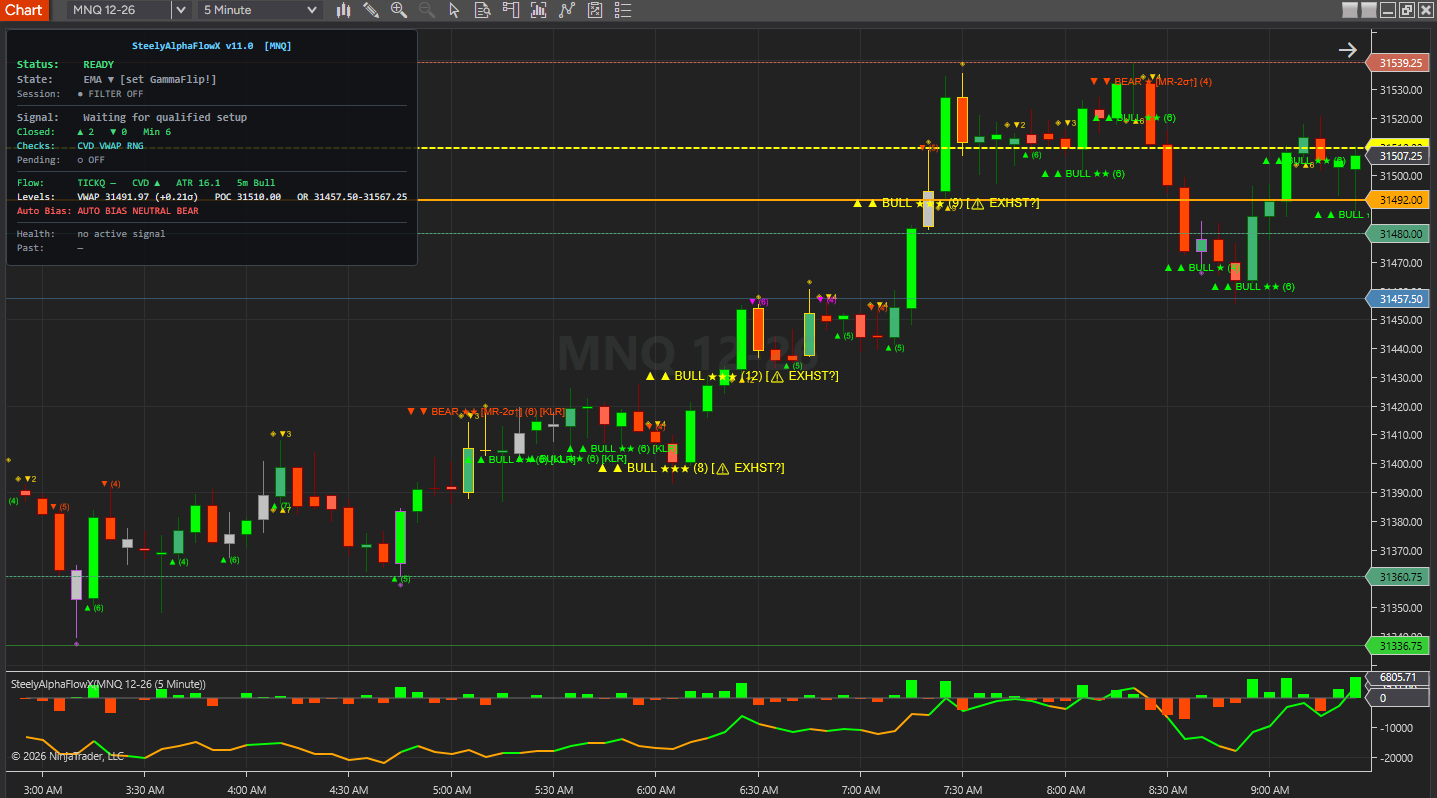
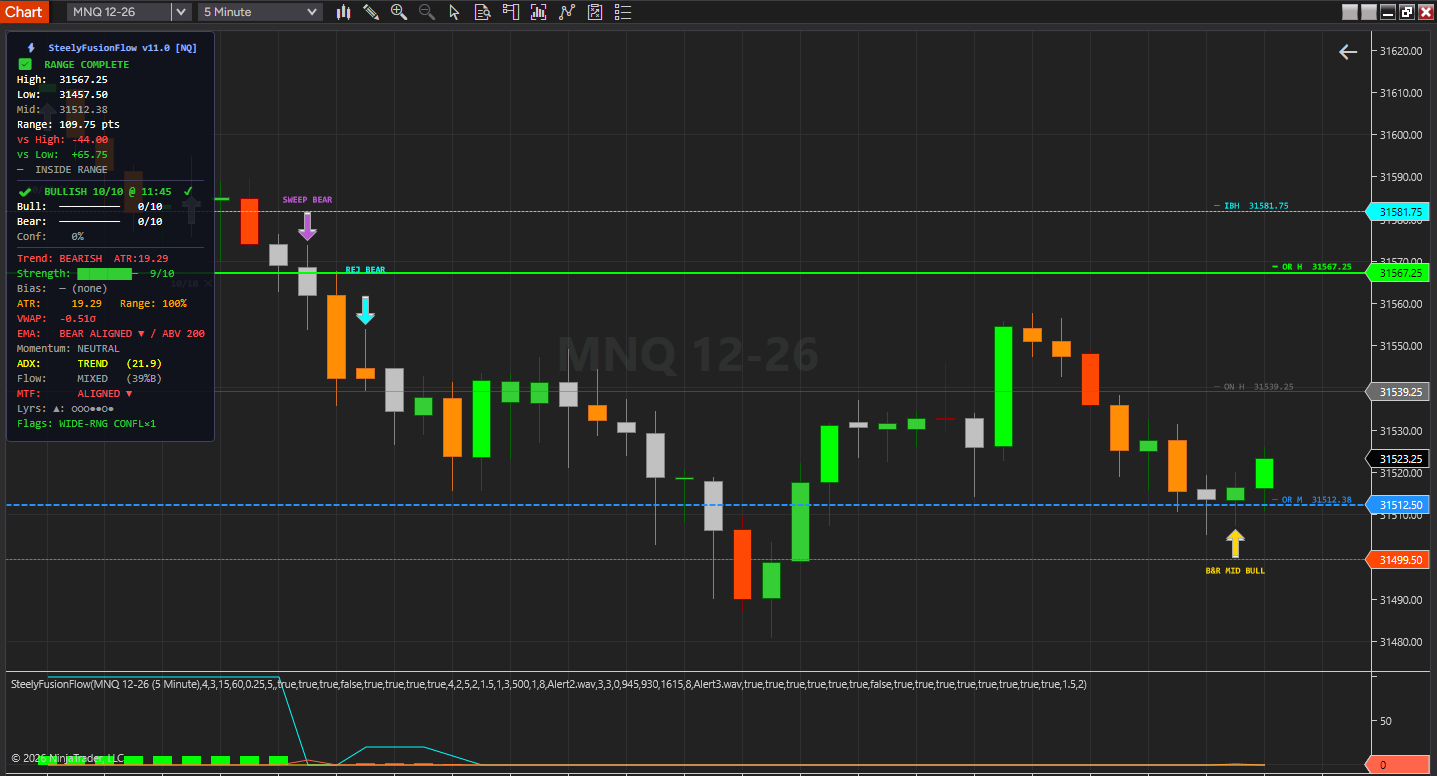
Each section is a text read-out of the last closed bar: the EMA trend and VWAP side, the regression channel's direction and strength, momentum and flow, the opening range, the day type so far and the nearest tracked level. A one-sentence summary pulls the rows together, and a FinancialJuice headline feed runs underneath.
The panel floats over the chart. Drag it anywhere, resize the news area with its grip, and hide any section you don't use. Nothing is plotted, drawn or alerted — it is a read-out, not a signal generator.
Important Notice: This indicator is a non-customized charting tool provided for educational and informational market analysis only. It highlights conditions that meet proprietary analytical criteria and does not constitute financial advice, trading recommendations, or a solicitation to buy or sell any instrument. All panel output is analytical in nature. Users remain solely responsible for whether, when, and how they trade. Past performance of any analytical method is not indicative of future results. Educational and informational only; not a recommendation to buy or sell.
Each section's engine is ported from a SteelySystems indicator and recalculated inside SteelySuperHUD, so none of those indicators has to be on the chart. A sixth section carries the live headline feed.
| Section | What It Reads Out |
|---|---|
| Trend / Value | From SteelyBreakRetest. EMA trend (fast above or below slow, 9 and 20 by default), the last close above or below session VWAP, both EMA values, and the point of control of the recent bars, flagged NEAR when price is within half an ATR of it. |
| Channel | From SteelyTrendChannel. A linear regression channel on closes, read out but not drawn: its direction and band width, its strength (R², VERY WEAK to VERY STRONG) and where the last close sits between the bands. |
| Momentum / Flow | From SteelyStoDiver. ATR(14) against its 20-bar average, RSI(14) momentum, ADX(14) trend strength, the up-bar vs down-bar split of candle volume over the last 10 bars, and whether a fast and a slow stochastic agree. |
| Opening Range | From SteelyORBFlow. OR high, low, midpoint and size in points and ticks. 09:30–09:45 ET by default, built from 1-minute bars so it forms on any chart bar size, or measured from the chart's session open instead. |
| Story | From SteelyStoryTeller. The day type so far (TrendUp, TrendDown, Rotational, Neutral, Squeeze, Expansion or DoubleDist) with its confidence and stage, the nearest tracked level with a Hold, Break or Fakeout read, and a one-sentence summary of the panel. |
| News | Live FinancialJuice headlines, newest first, each with its age; Truth Social posts show above them by default and can be turned off (Show Trump Posts). Hot words such as Fed, FOMC or CPI show in amber; the area scrolls and resizes with a drag. |
Every row reads the last closed bar — Calculate is fixed to On bar close — and any section you don't use can be hidden.
For traders who want the context of several tools in view without stacking their drawings on the price chart.
Trend, value, channel and momentum read-outs sit in one panel, so the chart itself stays free for price and your own levels.
Related rows sit side by side, and the summary line says when the day type and the EMA trend point different ways, or when the two stochastics don't line up.
Market headlines stay in view with their age, so a sudden move can be checked against the news without switching windows.
Through Whop: buy it for $297 one-time. Founders pricing runs through December 31, 2026.
NinjaTrader 8, version 8.1.x, on Windows. A live or sim market data connection in NinjaTrader 8, plus an internet connection for the headline feed. No other SteelySystems indicator is required — it runs standalone.
No. SteelySuperHUD recalculates those read-outs itself, from engines ported into its own code, so none of them has to be owned, installed or on the chart. It reads chart data only — no account, order or position data. The panel is text only: to see a channel, levels or markers drawn on the chart, you would use the individual indicators.
Yes — $297 one-time as an Advanced-tier indicator, the same tier as SteelyAlphaFlowX and SteelyStoryTeller. It is also included in the Complete Suite ($1,800, all 12 paid indicators plus the free SteelyNewsPanel and SteelyStructure — $2,362 bought one at a time). See tiers & pricing.
Checkout runs through Whop. Your license key and the download appear at whop.com/steelysystems (sign in with your checkout email), normally within minutes; the Install guide there walks through setup. Import the file in NinjaTrader 8 via Tools → Import NinjaScript Add-On, enter the key, and add the indicator to a chart. Email install support is included.
A one-time Founders license with compatibility patches and install support, available through December 31, 2026. From January 1, 2027 new purchases move to a subscription model. Founders keep their one-time licenses and are not required to subscribe.
FinancialJuice's public RSS feed, polled every 60 seconds on a background thread — no API key or account needed. Up to 25 headlines (15 by default) show newest first with their age, and headlines with hot words such as Fed, FOMC or CPI are marked in amber. If the feed is throttled or unreachable, the status line says so and any cached headlines stay up. Truth Social posts show above the headlines by default; Show Trump Posts turns them off. The news section can be turned off.
No. Every row, label and summary is an analytical read-out, not a trade instruction. The summary line's lean and closing phrase describe how the rows line up; they are not signals. The indicator organizes context; the decision, the risk and the outcome are yours. Read the full disclosure before use.
Yes, heavily, and on purpose. We use leading AI models and our own custom AI tooling in modeling, analysis and development, including the research behind the DI Briefs and Helix. AI doesn't generate trade signals and doesn't place trades. The indicators run rules we designed and can show on your chart. Everything is tested in simulation and in our own trading before it ships.
Each tool runs standalone.
SteelySuperHUD gathers the trend, channel, momentum, opening-range and day-type read-outs into one draggable panel, adds a live headline feed, and leaves the chart itself untouched.
One-time Founders license License key and download at whop.com/steelysystems within minutes 7-day refund if not activated License terms One-page guide (PDF)